 K&A Digital Studio
Help WRAP IT UP! launch
Google Play needs a group of real testers to try a new app for 14 days before it can go public. Join us, try it out, and tell us what you think. No purchases needed.
What you need
- An Android phone (Android 7 or newer). Sorry, no iPhone version yet.
- The Gmail address you use for the Google Play Store on that phone.
- About two minutes to join.
How to join
-
Send us your Gmail address
Tap Sign me up, or email knadigitalstudio@gmail.com with the subject "Wrap It Up beta". Use the address that’s signed in to Google Play on your phone.
-
Wait for our "you’re in" email
We’ll add you to the tester list and email you back, usually within a day. Google doesn’t notify you itself, so watch for our reply.
-
Join and install from Google Play
Once you’re added, open this link on your Android phone, tap Become a tester, then install Wrap It Up from the Play Store like any other app.
Trouble joining?
It asks me to sign in
You probably opened the link inside Facebook, Messenger, or another app’s built-in browser, which isn’t signed in to Google. Long-press the link, choose Copy link, paste it into Chrome, and sign in with the Gmail address you sent us.
"App not available" or no test found
Make sure you’re signed in with the exact Gmail address you sent us. If we added you in the last hour, Google may still be catching up, so try again a little later.
The Play Store won’t show Install
In the Play Store, tap your profile picture (top right) and switch to the same Gmail address, then open the join link again and tap Download it on Google Play.
"The requested URL was not found"
Google Play hides test apps from everyone who isn’t an opted-in tester yet. Tap Become a tester on the join link first and check that the page says you’re a tester. Google can then take up to an hour to unlock the app, so wait a bit before tapping Install. Also make sure the account in the top right is the one you joined with: if your browser has more than one Google account, it may be using a different one.
Still stuck?
Email knadigitalstudio@gmail.com with what you see on screen (a screenshot helps) and we’ll sort it out.
One important favor
Google only lets us launch once at least 12 testers have stayed in the test for 14 days in a row. Please keep the app installed and don’t leave the test until we’ve launched. Opening it now and then helps too.
Everything is unlocked for testers
During the test, every skin and phrase pack is free, so you can try it all. Look for the BETA badge on the home screen. If you don’t see it, update the app from Google Play (the app will also ask you to update). The free unlocks are for the test only and won’t carry over to the public release. Please don’t buy anything: if a Google Play purchase screen ever opens, just tap back to close it.
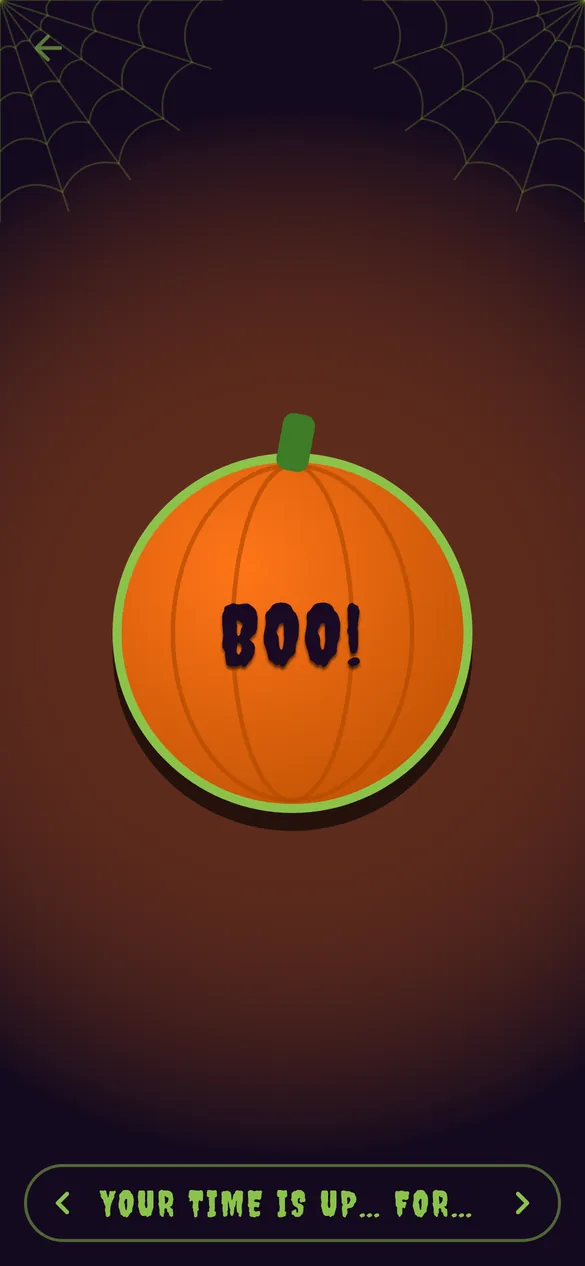
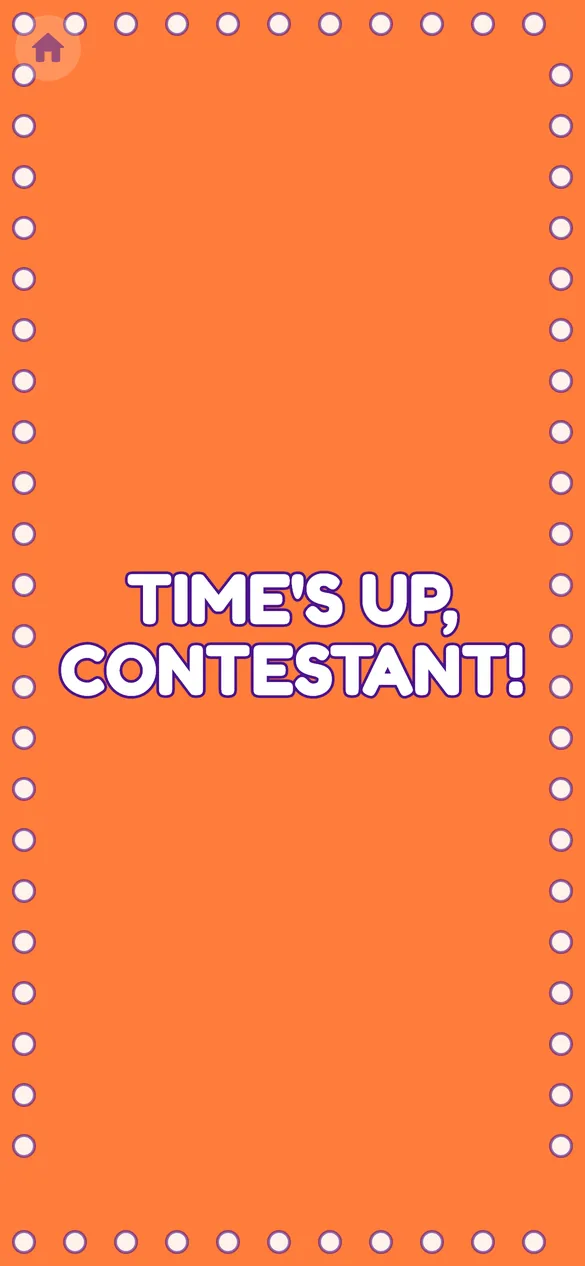
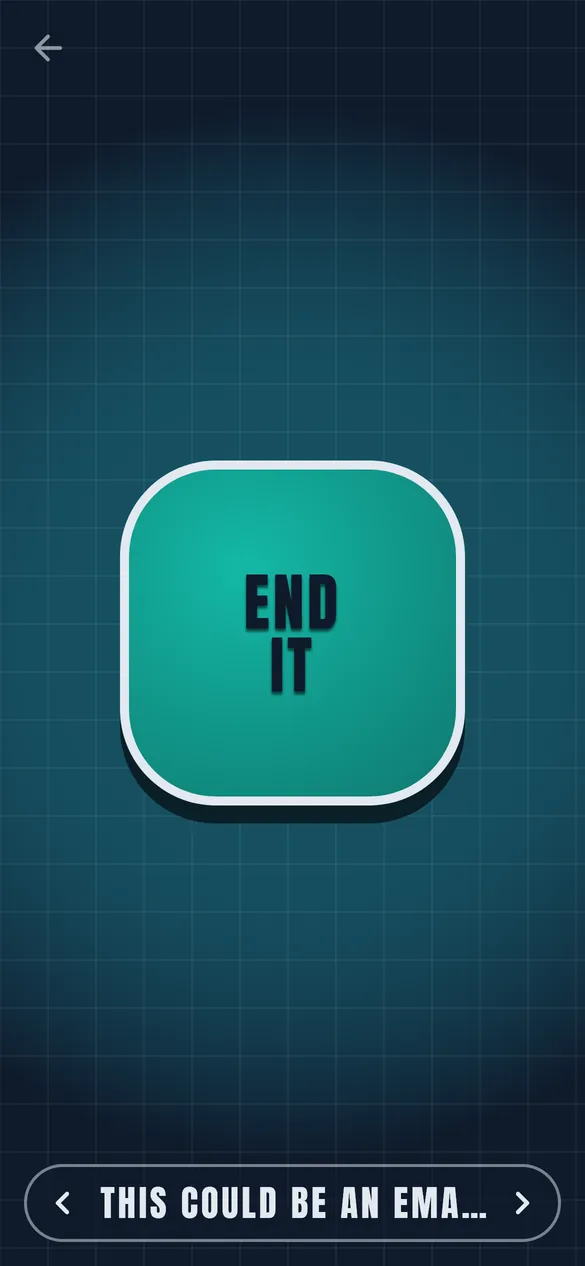
You can still see every skin for free: open Skins, tap any skin, and press its button to watch its flash.
While you’re testing
- Use the free Classic skin and phrases, preview the other skins, and press the button on friends (gently).
- Tell us about anything broken, confusing, or ugly, plus ideas for new phrases and holiday skins.
- Send feedback to knadigitalstudio@gmail.com or through the Play Store’s tester feedback.
Questions
Does it cost anything?
No. The app is free to install, and joining the test is free. You don’t need to buy anything to help.
Do I get the paid skins?
Yes, for the length of the test. Every skin and phrase pack is unlocked for free so you can try them all. The free unlocks are for testing only and don’t carry over to the public release.
What if I bought something by accident?
Email us and we’ll sort it out with a refund.
What do you do with my email?
We use it only to add you to the Google Play test and to reply to you. We don’t share it or send marketing. Ask us anytime and we’ll remove it.
Can I leave the test?
Yes, anytime, from the same Google Play link. We’d love it if you stayed the full 14 days, though.