 K&A Digital Studio
Templates / Keepsake
Website template · Wedding
Keepsake
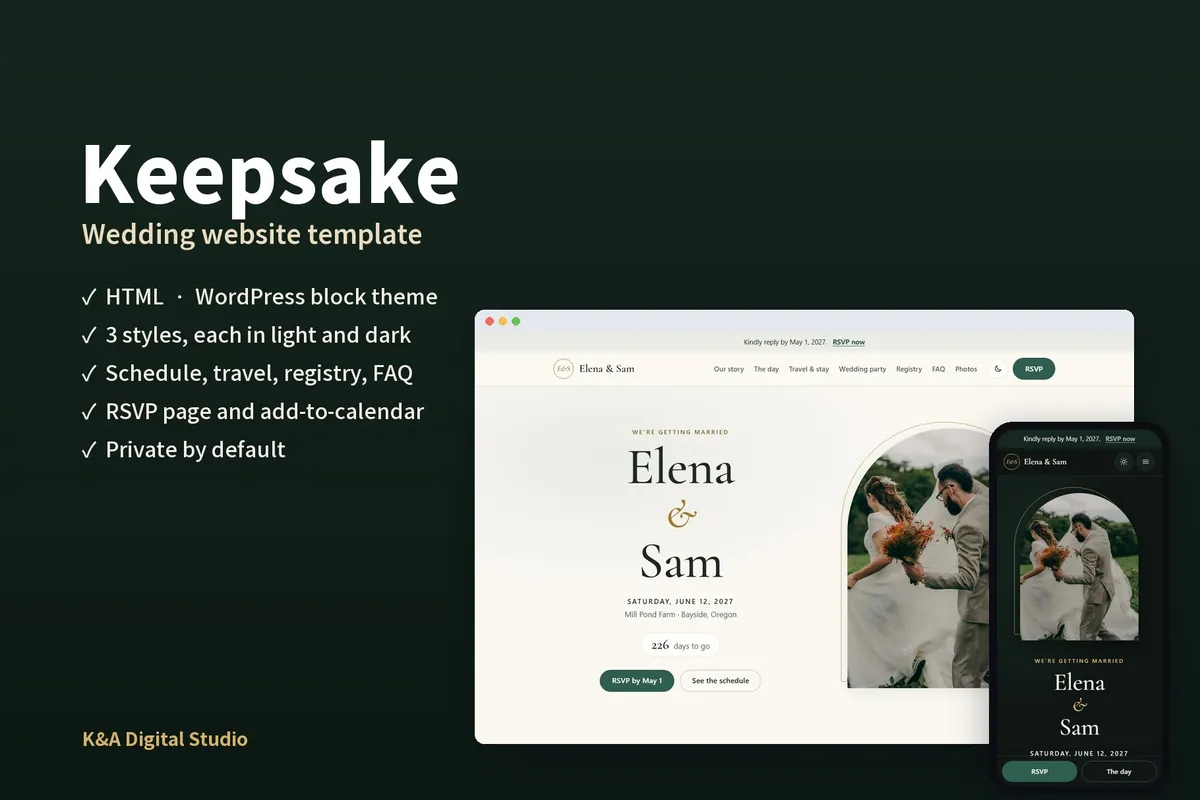
Your own wedding website, on your own web address: no ads, no registry-company branding, and a design that looks like you. Everything your guests will ask, answered in one place, and a site you can keep online after the day.
What’s included
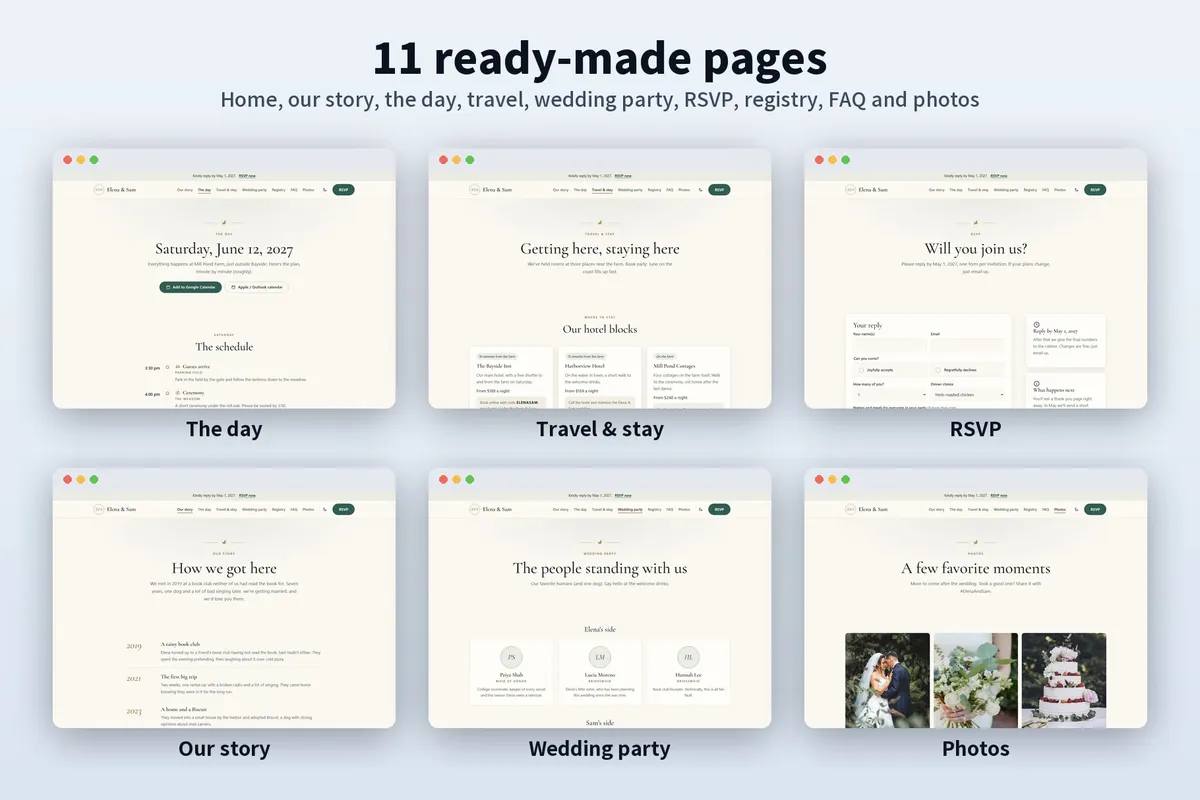
- 11 ready-made pages, from phone to desktop
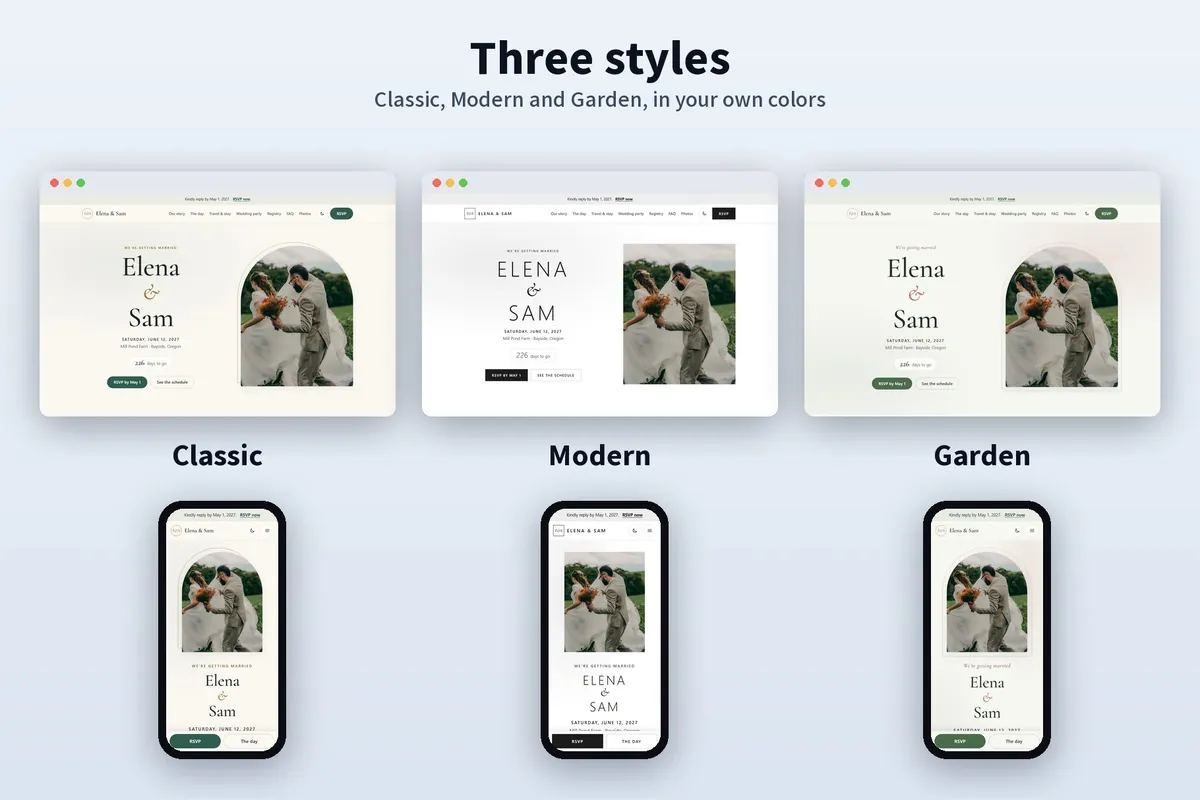
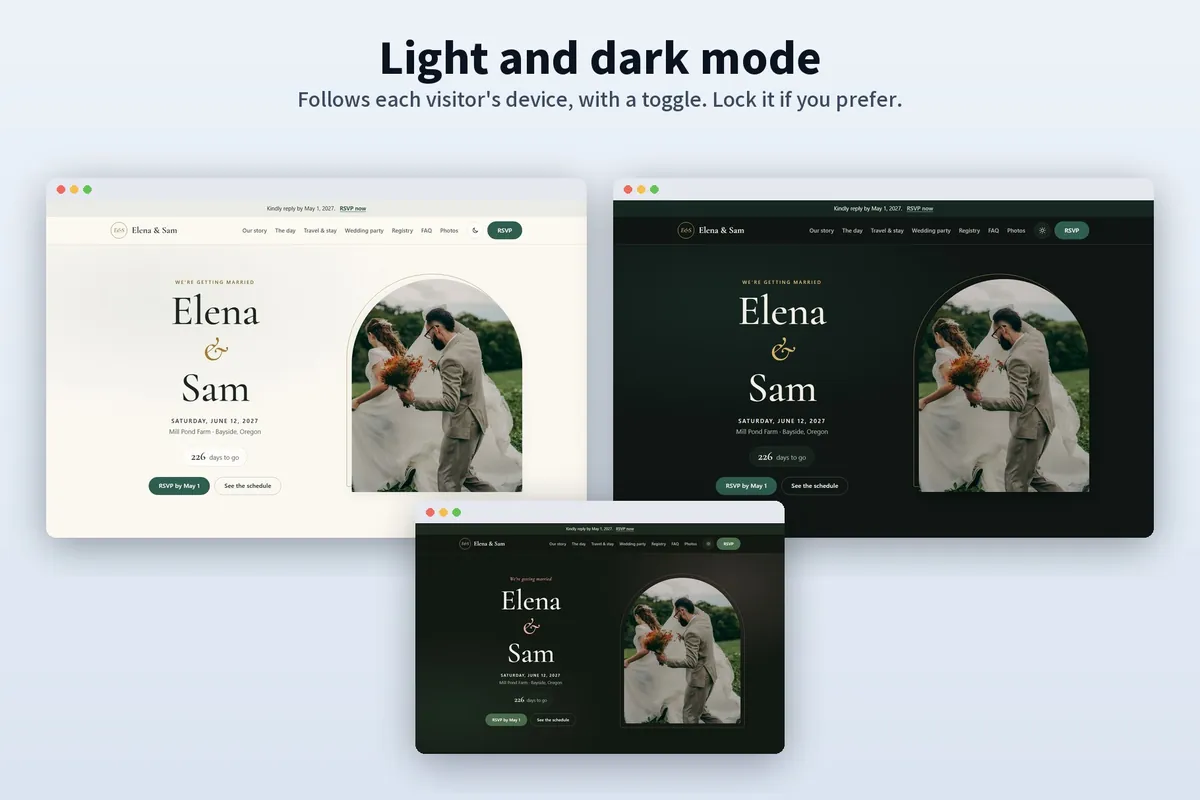
- 3 styles (Classic, Modern, Garden), each in light and evening (dark) mode, in your own colors
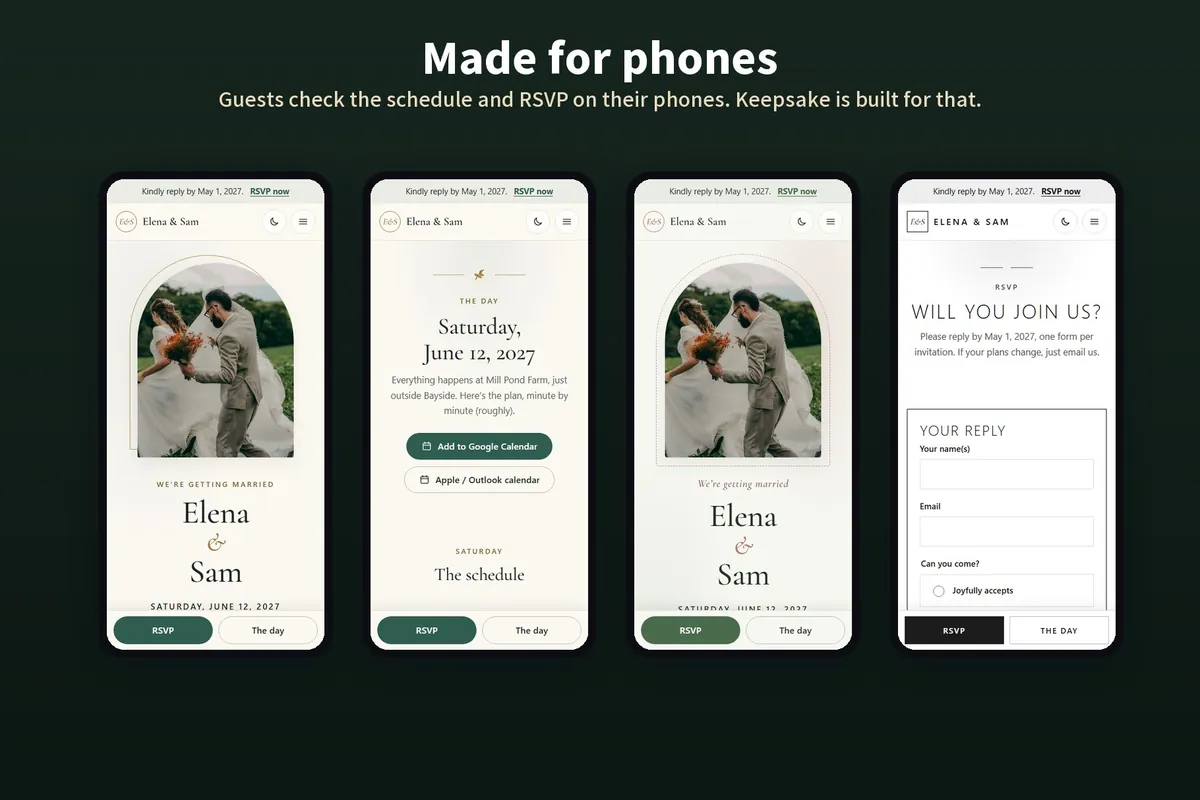
- Your names, the date and a countdown, with an arched photo, on the home page
- The day as a timeline, the venue with directions, dress code, accessibility and a rain plan
- “Add to calendar” links (Google, Apple and Outlook) for every event of the weekend
- Hotel blocks with booking codes and deadlines, getting here and things to do nearby
- A full RSVP form (meals, dietary needs, song requests) ready for free form services
- Private by default: hidden from search engines, no tracking. The guide covers passwords too
- An elegant heading font included, so nothing loads from other websites
- A step-by-step setup guide, plus ideas for keeping the site as a keepsake afterwards
Pages
- Home
- Our story
- The day
- Travel & stay
- Wedding party
- RSVP
- Registry
- FAQ
- Photos
- Thank you
- 404
What’s in the download
HTML version
For any web host, including free ones like Netlify and Cloudflare Pages.
- The site: 11 pages, styles, script, icons and the heading font
- Calendar files for the “Add to calendar” links
- Placeholder photos to replace with your own
- The setup guide (PDF and web page)
- License and changelog
WordPress version
For WordPress 6.6 or newer. No page builder, no required plugins.
- The theme, ready to upload, with 33 ready-made sections and pages
- Demo content that builds the demo pages for you
- The setup guide with screenshots (PDF and web page)
- GPL license and changelog
A closer look
Questions
Why not use a free wedding site?
Free sites from registry companies come with their branding, ads or upsells to your guests, and look like everyone else’s. Keepsake is yours: your own web address, your design, nothing selling to your guests, and you can keep it online for as long as you like.
How do RSVPs reach us?
The RSVP form connects to a free form service (the guide shows Formspree, Netlify Forms, Tally and Google Forms; on WordPress, a free form plugin). Replies arrive by email, and most services let you download them as a spreadsheet.
Can we keep it private?
Yes. It asks search engines not to list it from the start, and the guide shows how to add a password with common hosts or in WordPress.
Do we need to know how to code?
No. The HTML guide walks you through changing names, dates, photos and colors with a free text editor. Prefer pointing and clicking? Choose the WordPress version.
Can a wedding planner or photographer use it for clients?
Yes. Each purchase covers one website, so buy once per couple. See the license.
Are the demo photos included?
No. The demo uses free stock photos for preview only. The download has placeholders for your own photos.